See it in action
Everything below runs on the same code as the app. Press the buttons, type commands, and break things.
Try it right here
Press the buttons to send alerts to a pretend stream. Hit Burst ×5 and switch When busy to see how alerts share the screen when lots arrive at once.
Widgets that play along
Death counters, boss fights, polls, spin wheels, tickers and more: they live on your stream like a game's HUD, and you, your mods or your viewers drive them from chat. Type a command, or tap one:


 BitBoss
640 / 1,000
BitBoss
640 / 1,000
You: try !death, !spin or !vote 2
Chat overlays, your way
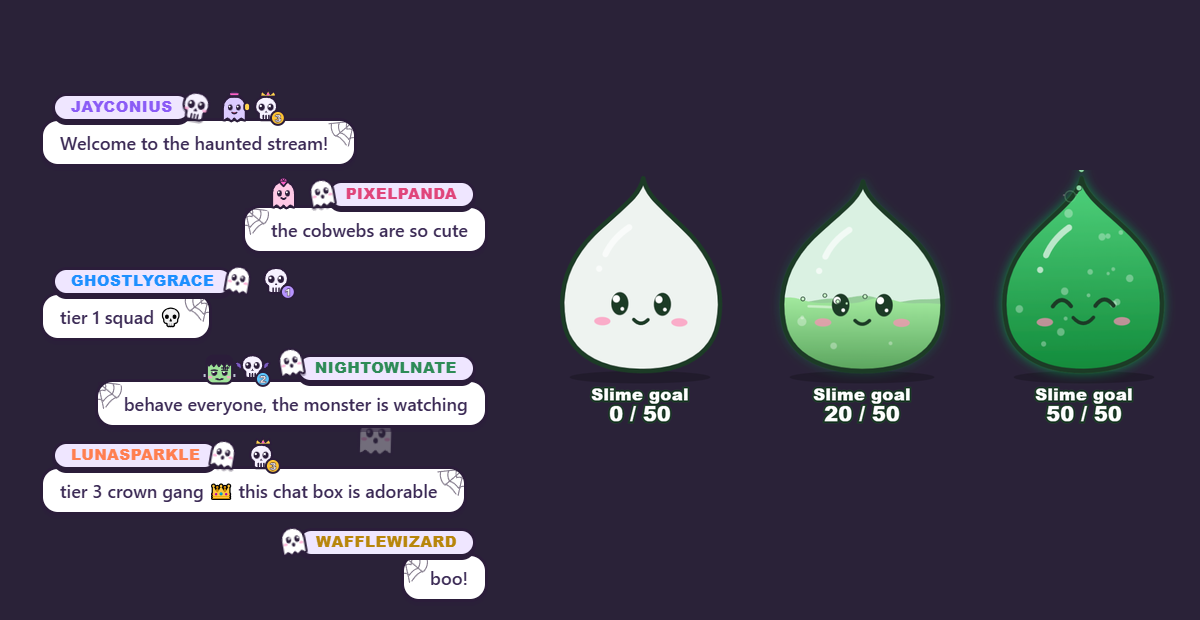
A chat box down the side, a ticker along the bottom, a big highlighted message, or chat that snows, bubbles, bounces, pinballs and drifts like a DVD logo across the whole screen, plus an emote wall for hype moments. Put your chat inside a frame or a TV, then export the theme to share it. Try them all:
Meet Bunnius, your TTS mascot
A mascot that slides onto your stream when something is read aloud, moves with the voice, and slides off when it's done. Its words pop up in a speech bubble you can put anywhere. Press a ▶ button, or make him say something:
Build your own widgets
Want something no editor can make? A custom widget is your own little web page (HTML, CSS and JavaScript) that hears chat and events, gets its own settings panel and remembers things between streams. Two step-by-step tutorials take you through a spooky chat box and a slime goal that fizzes and turns greener as it fills, with live demos and free downloads.
Lay out your whole stream
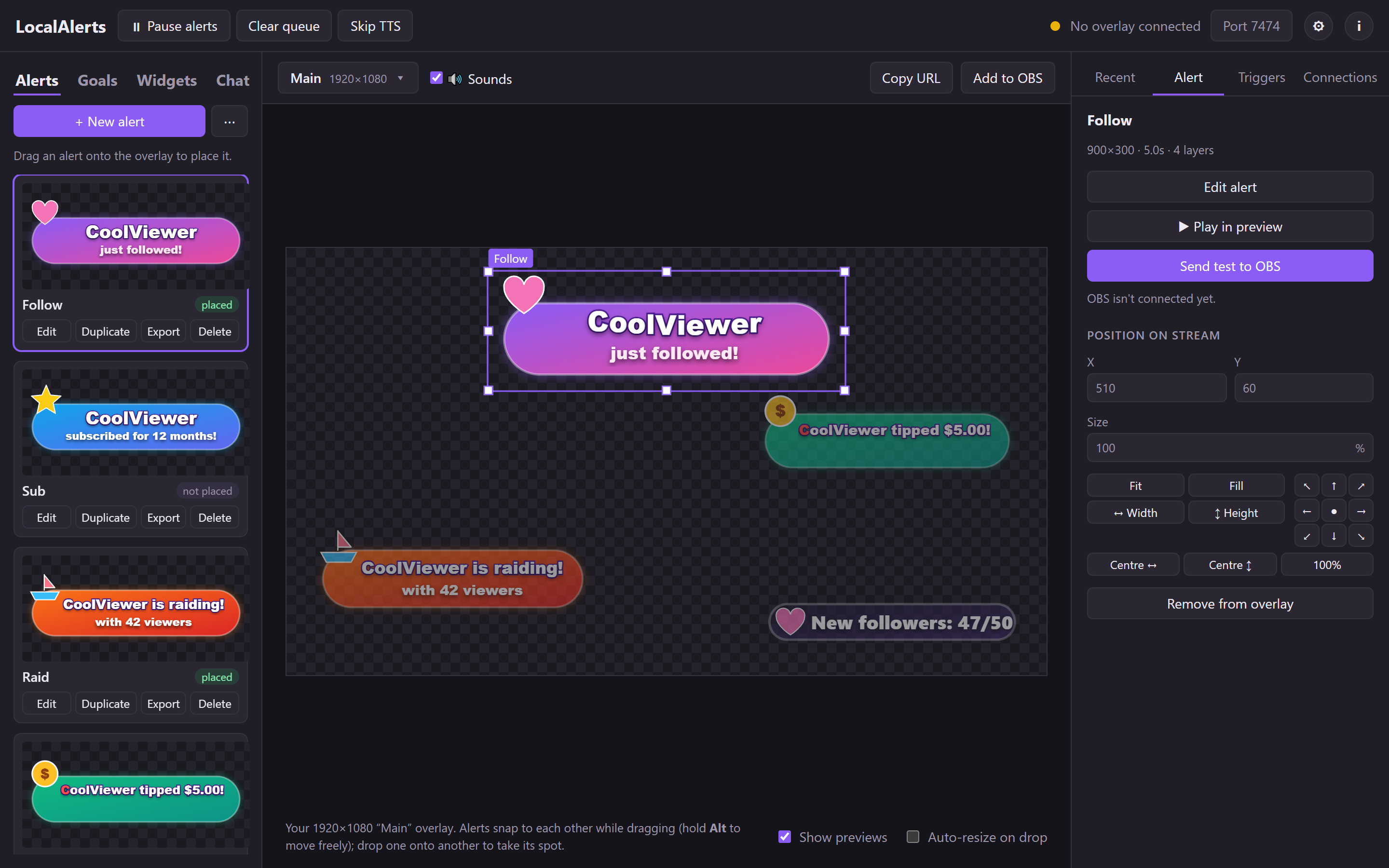
Your alerts sit on a canvas the size of your stream. Drag them into place and they snap to each other, then test any alert straight into OBS.
- Library of your alerts with live previews
- Snapping guides, fit and align buttons
- Recent events, with replay
A word filter that isn't a nanny
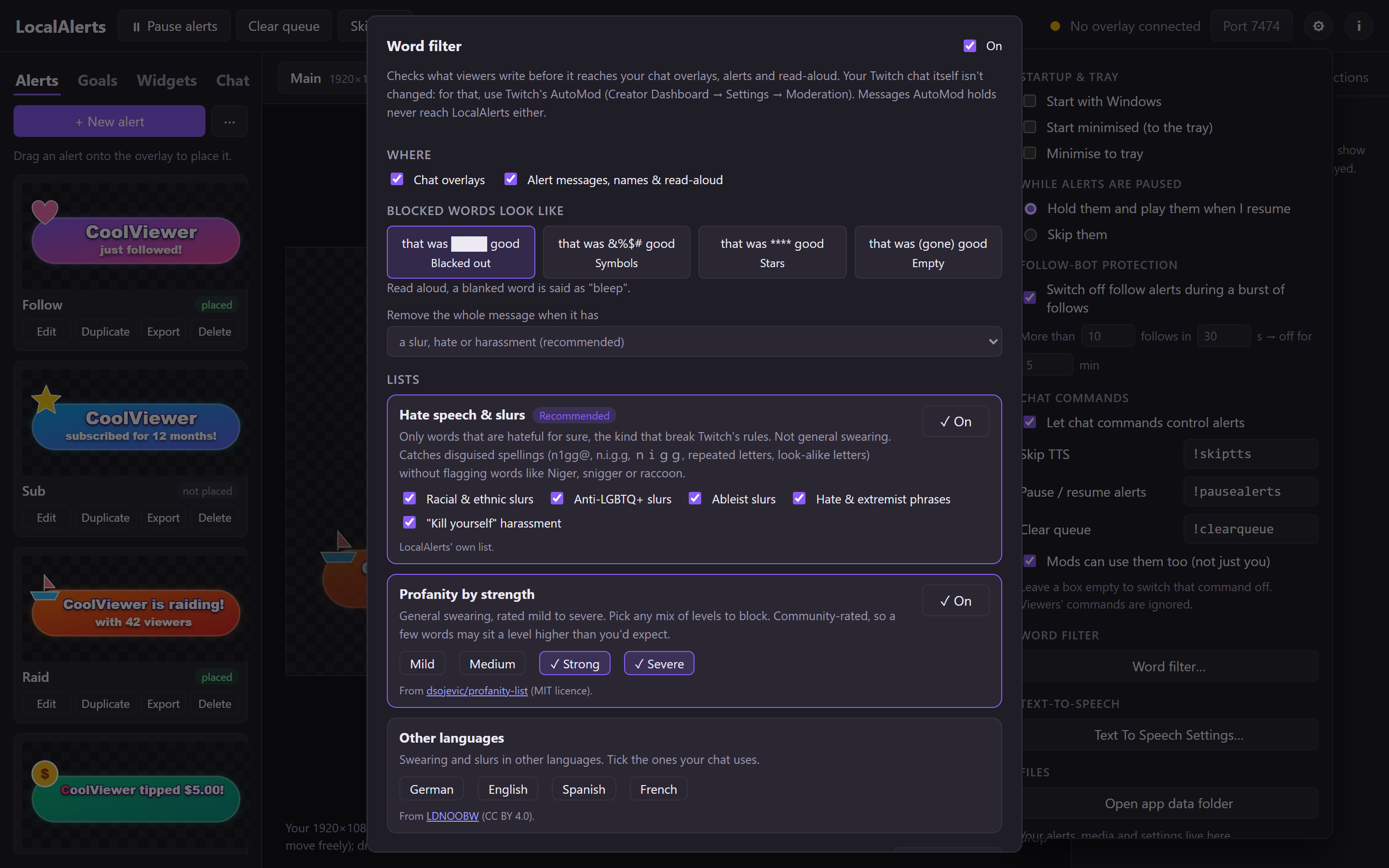
Slurs are blocked from the start, even written as n1gg@ or with dots between the letters. Normal swearing isn't, unless you want it: pick the levels. Niger, snigger, class and assassins are never flagged.
- Blacked out, symbols, stars or removed; read aloud as "bleep"
- Swearing by strength, 25 languages, and your own imported lists
- A "Try it" box shows exactly what viewers will see
Chat inside a picture
The Chat Designer puts pictures under and over your chat, and the chat in its own area. Drop in a TV and the chat plays on its screen; add a frame kit and its vines curl over the messages.
- Six free chat frames: Gaming, Neon, Cosy, Pixel, Glass, Retro TV, in lots of colours
- Any font on your PC, backgrounds, outlines with pulse, rainbow, glow or spinning RGB
- Export a theme as a .zip: others import it with one click
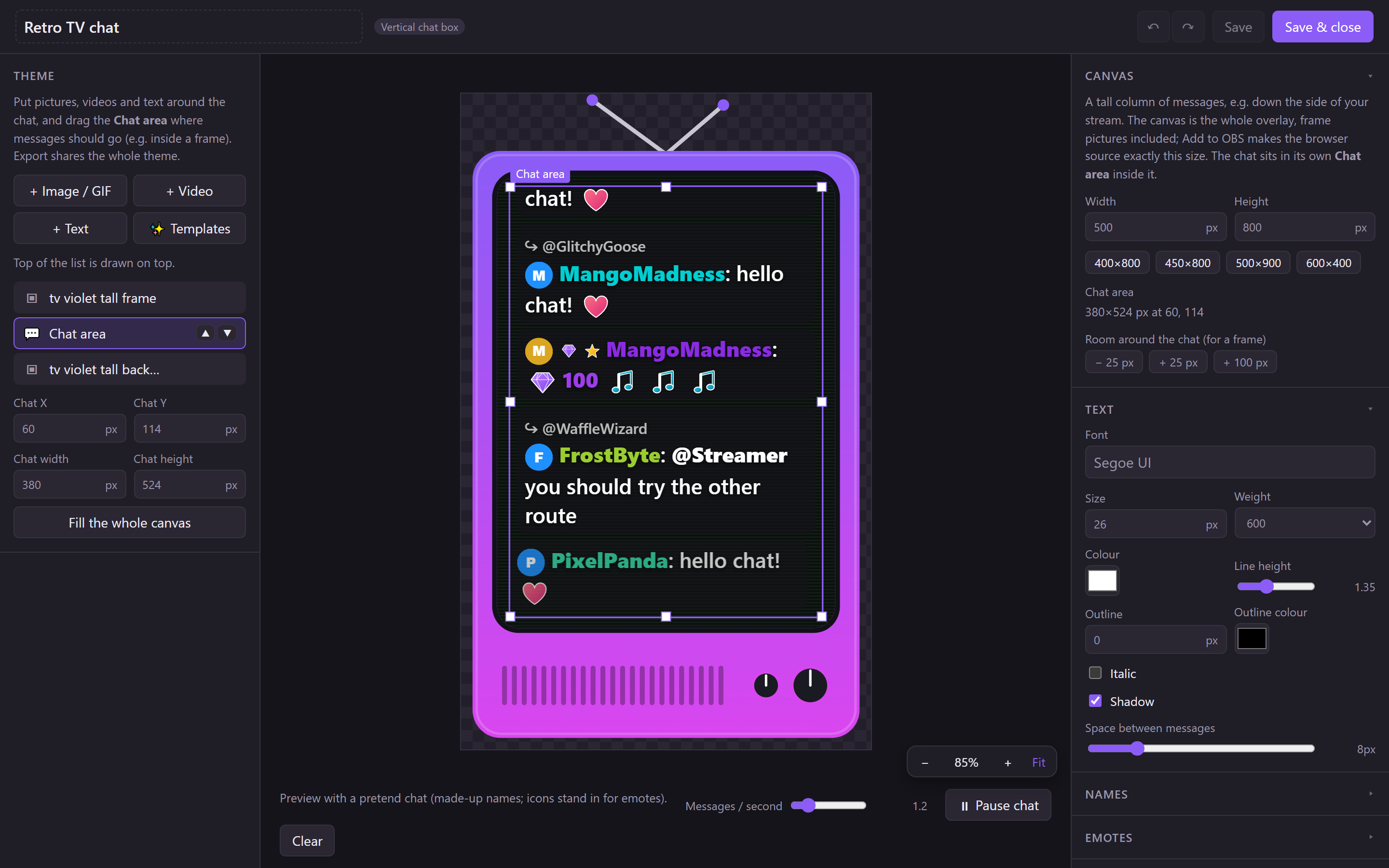
A chat for every part of your stream
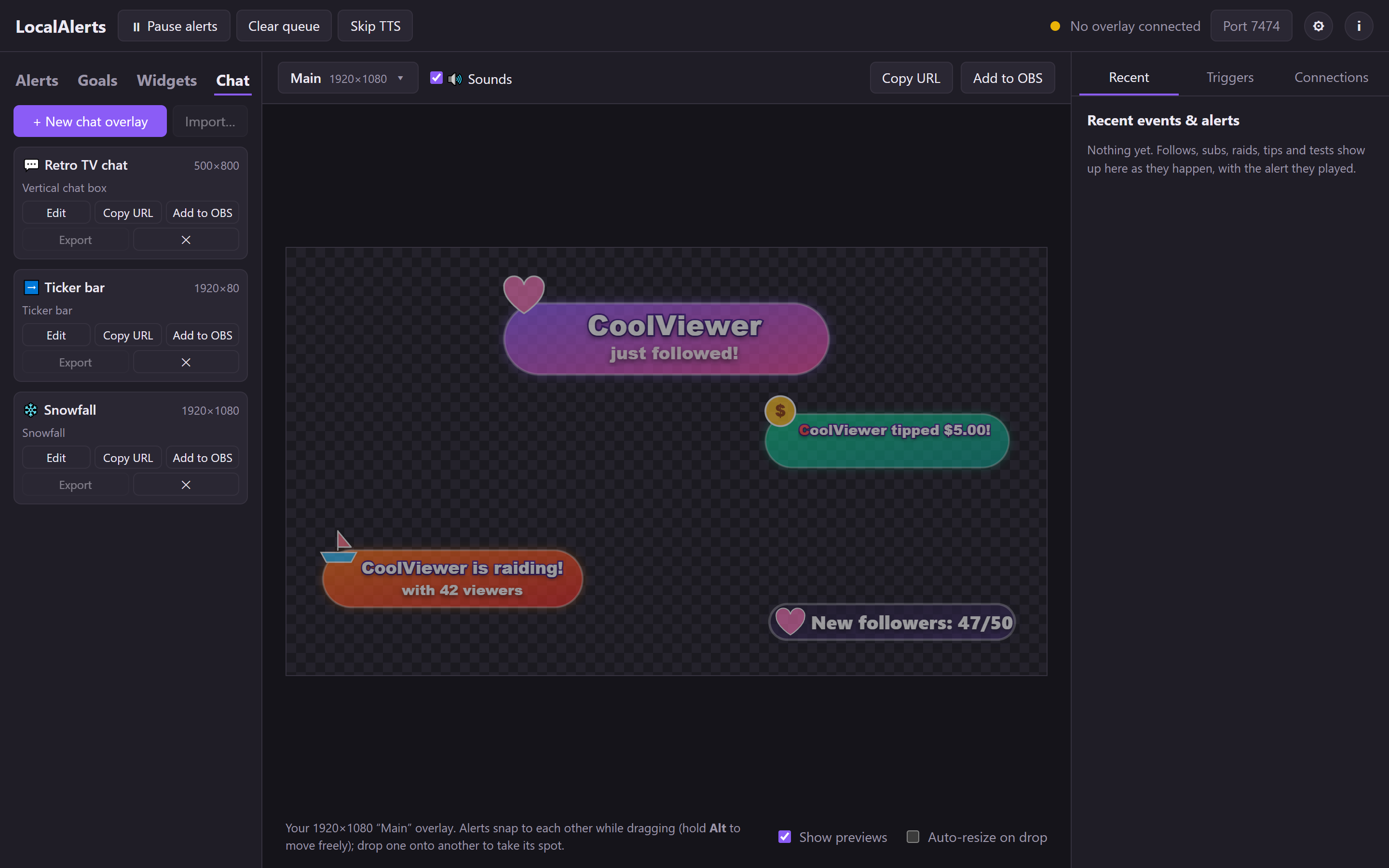
Every chat overlay is its own OBS source at exactly its size, so you can run a chat box on screen and snowfall chat for a chill segment.
- Hide bots and
!commands, choose who shows (everyone, subs, mods…) - Deleted messages and timeouts vanish from the overlay too
- Pronouns are off unless you turn them on
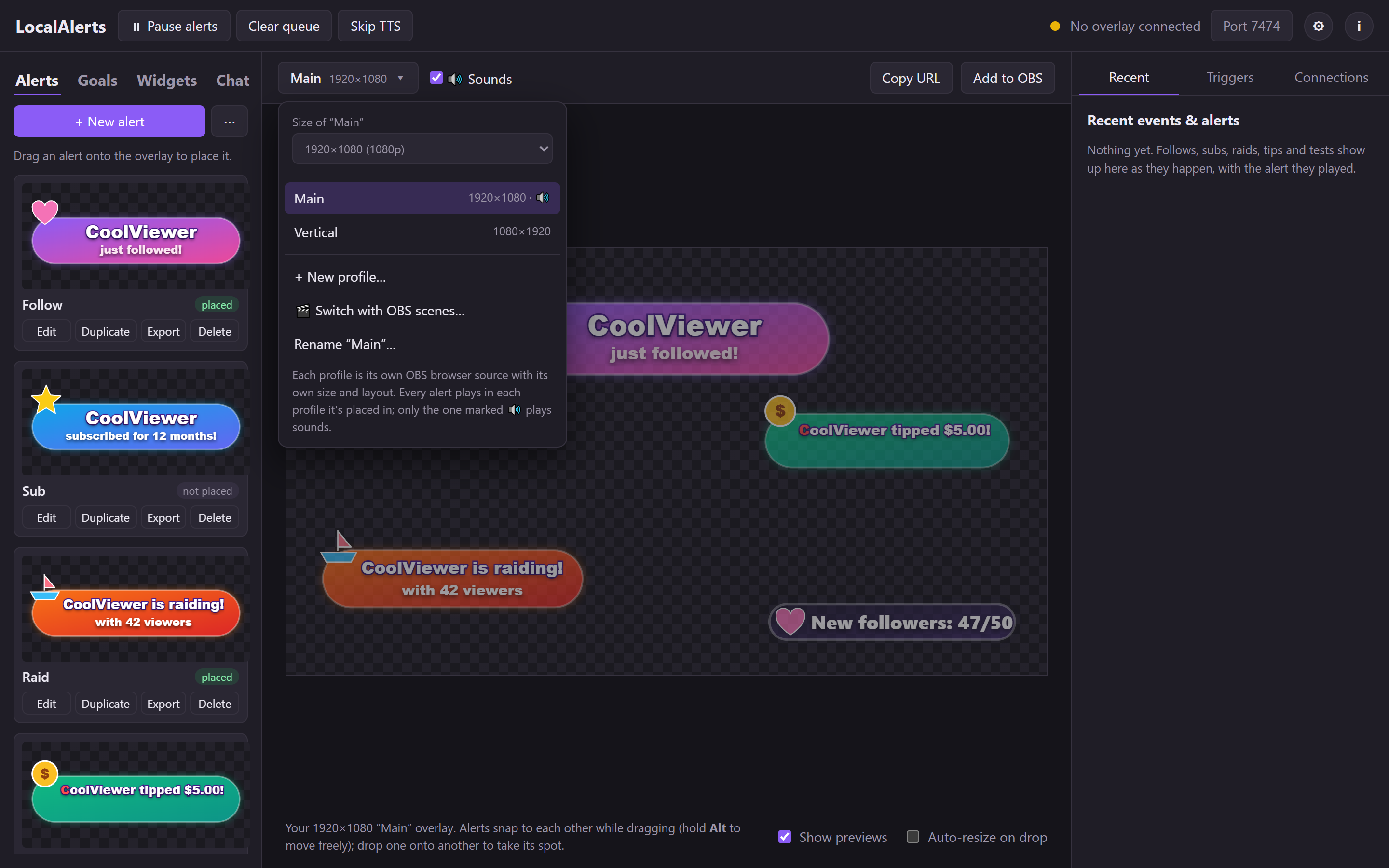
Normal and vertical, at once
Overlay profiles give you several layouts side by side, like a 16:9 one and a 9:16 one for dual-format streams. Each profile is its own browser source; alerts play in every profile they're placed in.
- 1080p, 1440p and 4K, normal or vertical
- Pick which profile plays sounds, so OBS never plays them twice
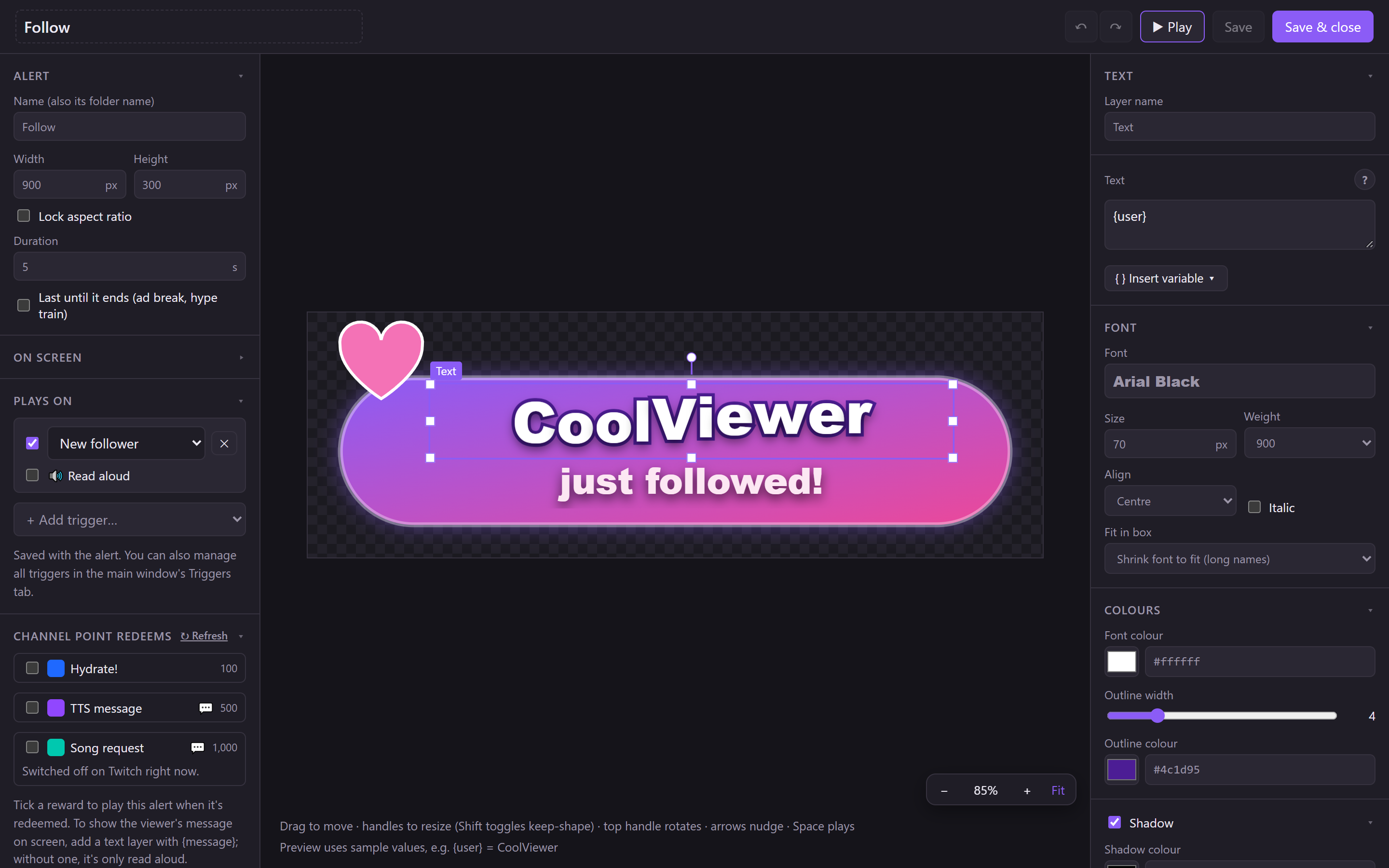
Design alerts visually
The Alert Builder is a small layer editor made for alerts. What you see is exactly what shows on stream, because it uses the same renderer.
- Any font installed on your PC, outlines, shadows, glow
- Text effects: wave, rainbow, typewriter, drop in and more
- Variables like
{user},{amount},{message},{time_left} - Lock text inside a picture so it never spills out
Goals that look like your stream
Pick what to count, set a target, and choose how much it goes up when it's reached. Design its look in the builder and drag it onto your stream.
- Start from your real Twitch follower count
- Reset each stream or daily
- An alert or a sound each time it's reached
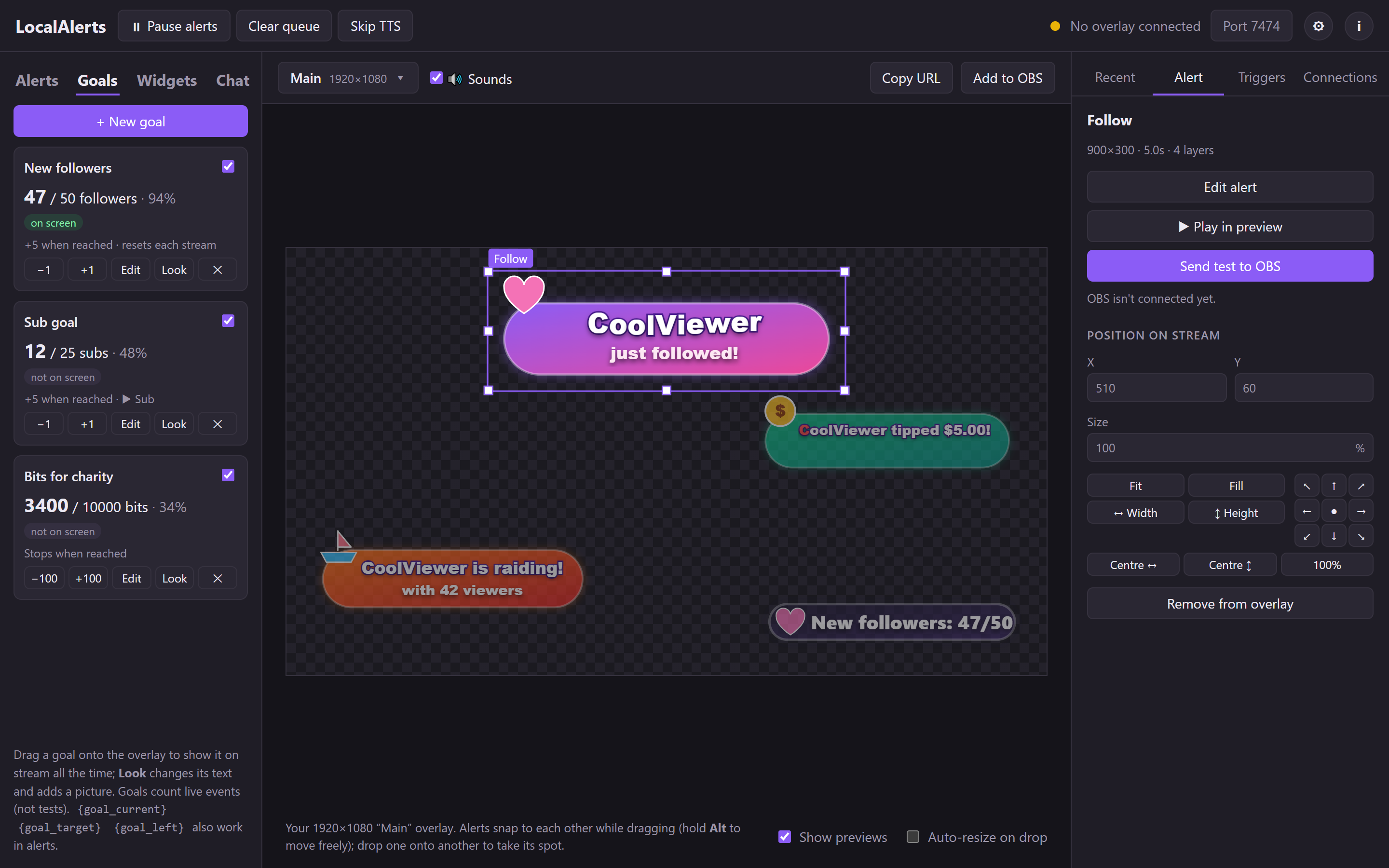
Voices built into Windows
Preview every installed voice, add more languages from Windows, and choose how messages are read: just the message, or "name said…".
- Read aloud per alert, per text layer, or per channel-point redeem
- Skip button, length limit and blocked words
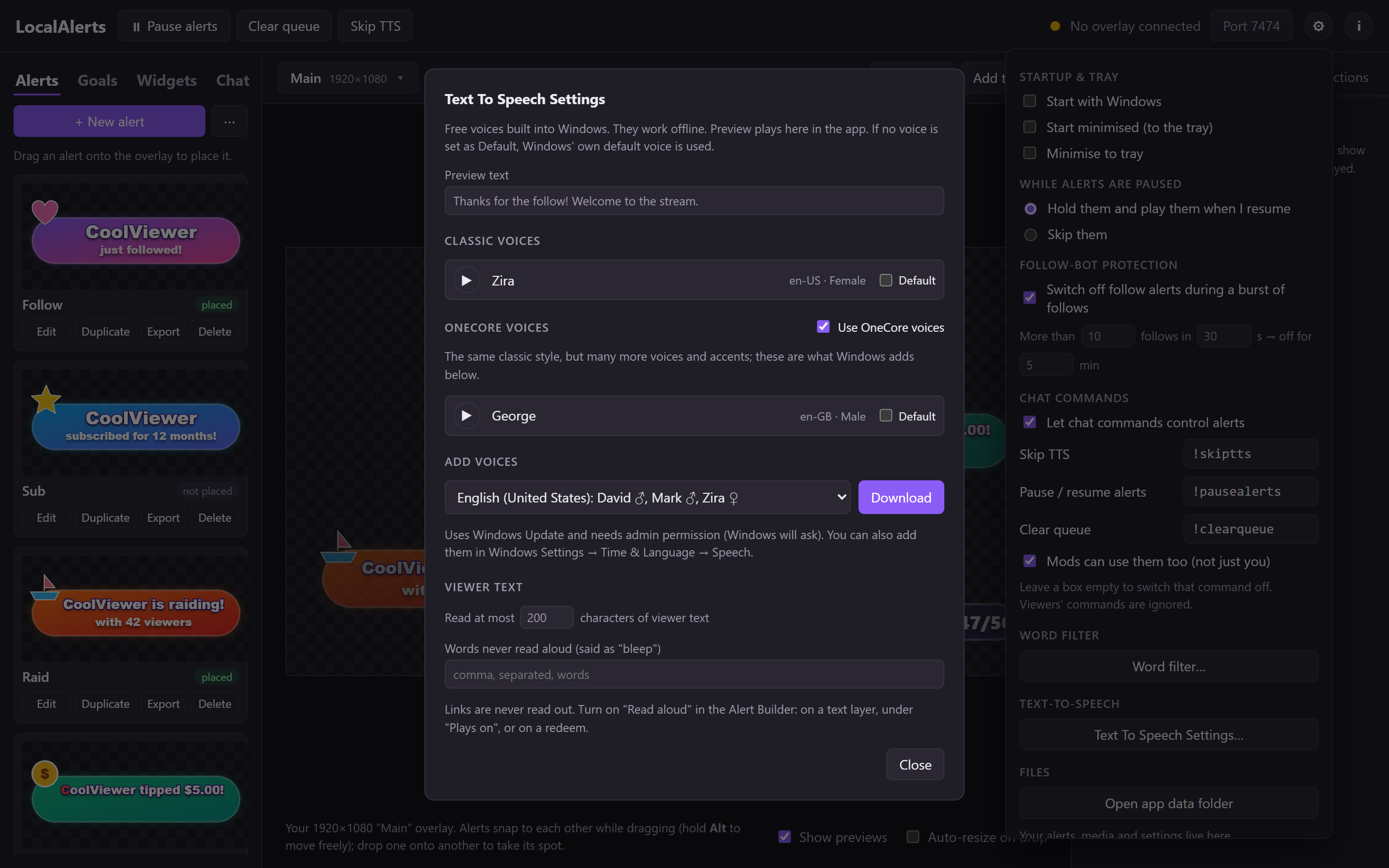
Light on your streaming PC
Measured with alerts firing and a busy chat. Minimised to the tray, the app itself uses almost nothing; most of the work is OBS drawing your overlays. How we measured.