Alerts
Stack pictures, GIFs, videos with see-through backgrounds, sounds and styled text, then drag, resize and rotate them on a live preview. Start from a template or a blank canvas.
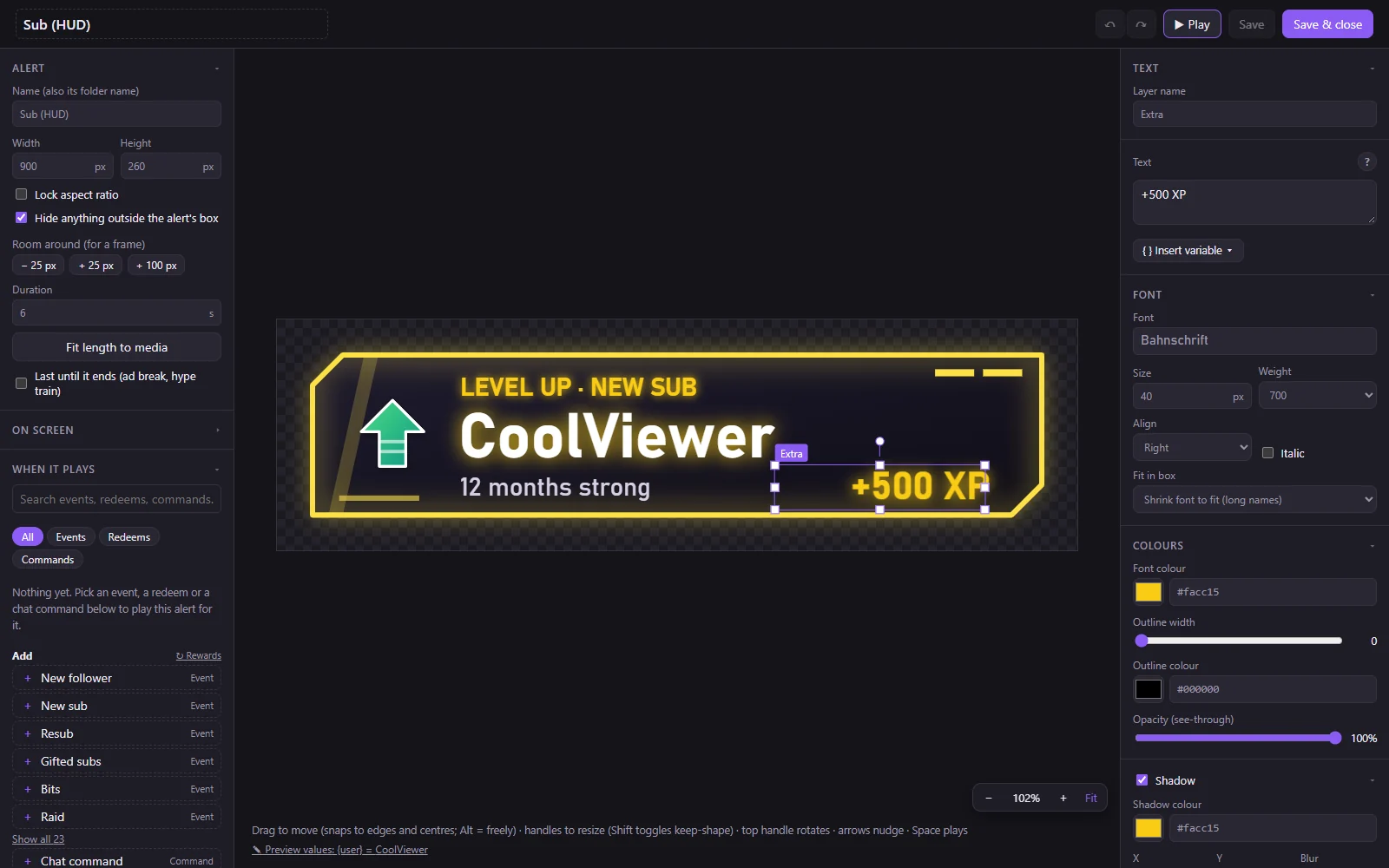
Jlerts is a free app for your stream's alerts, widgets and chat overlays. You design them, it plays them in OBS, all on your own PC: no cloud, no account, no subscription.
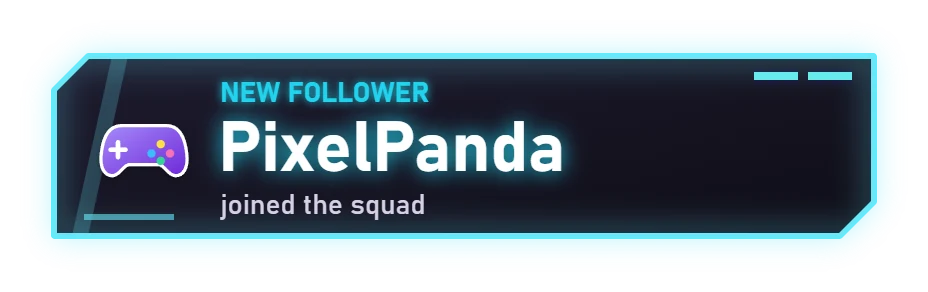
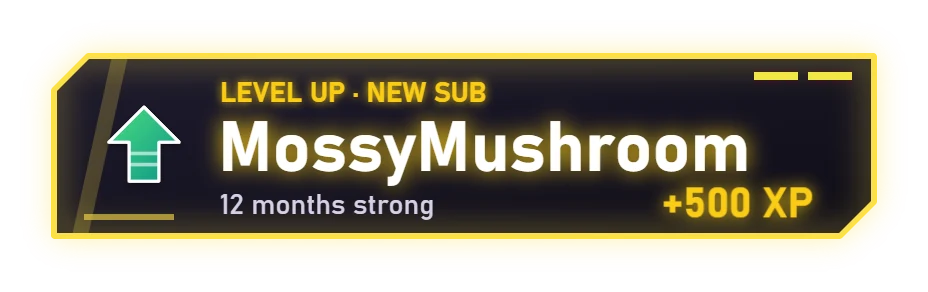
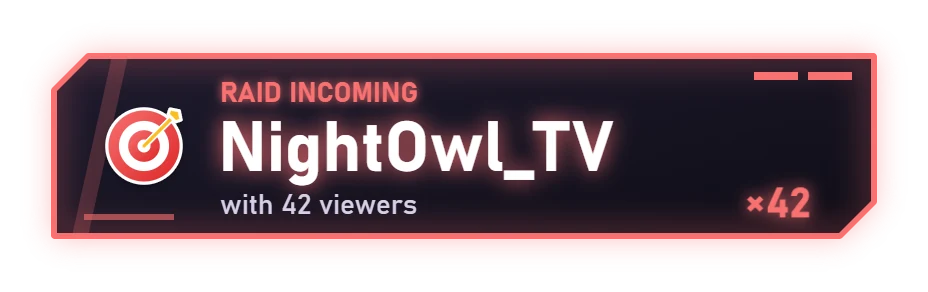
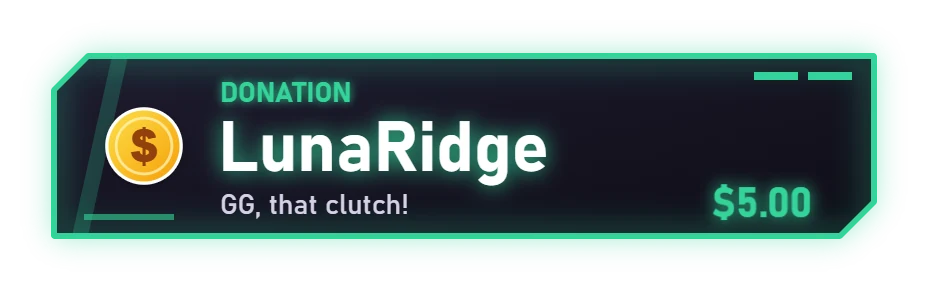
Real alerts, made with the built-in HUD panels
Your alerts down the side, your overlay in the middle, exactly as OBS will show it. Drag an alert where you want it and press Test.
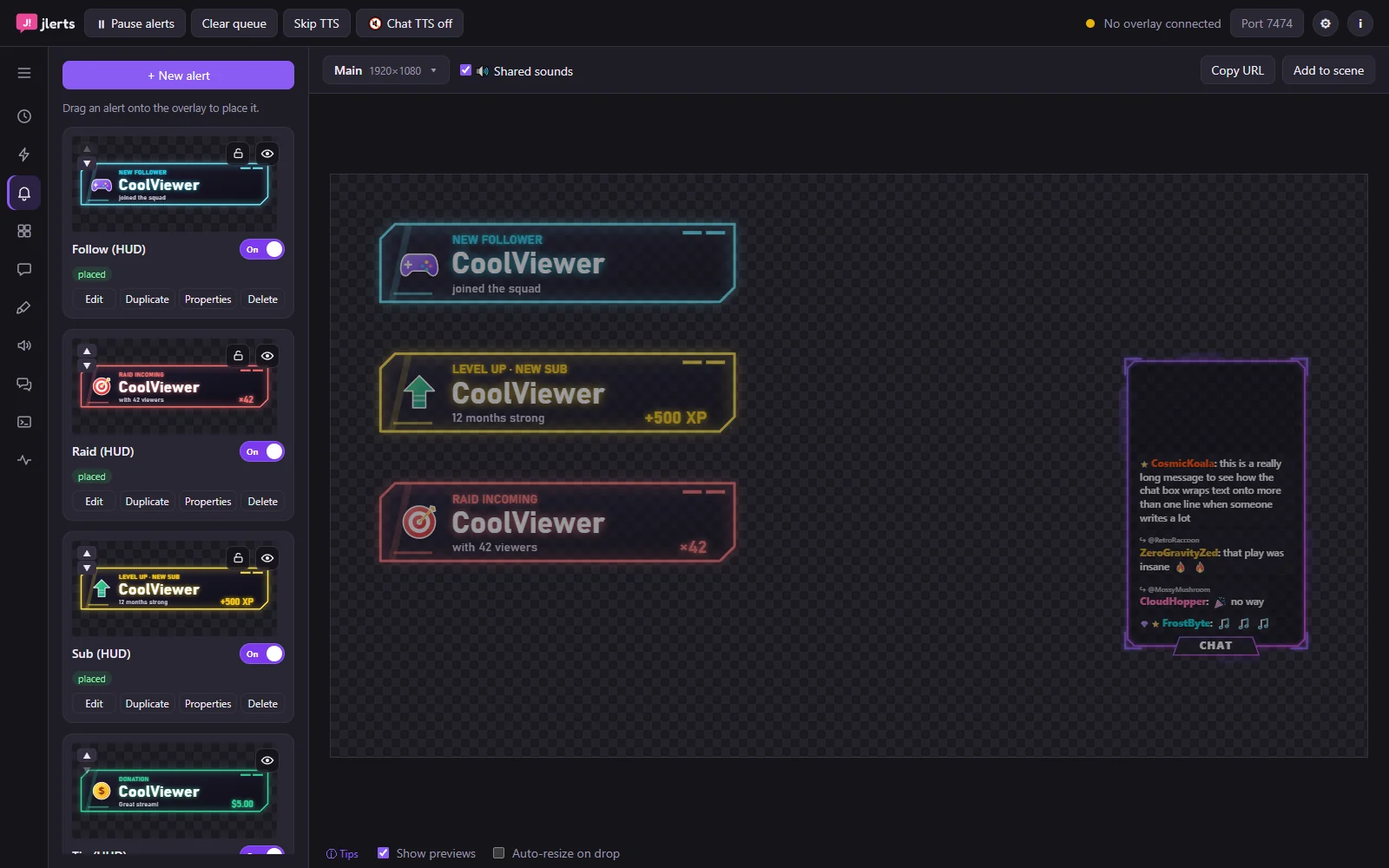 123
123Stack pictures, GIFs, videos with see-through backgrounds, sounds and styled text, then drag, resize and rotate them on a live preview. Start from a template or a blank canvas.
Goal bars, counters, timers, spin wheels, a stream boss, now playing, Twitch polls and predictions, end credits, and your own HTML widgets. Each answers chat commands like !spotify hide.
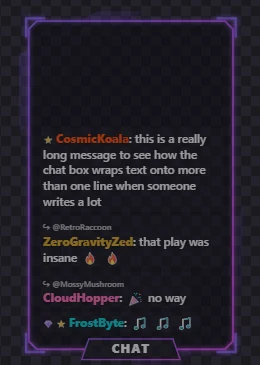
Design your chat box: frames, fonts, badges, 7TV, BetterTTV and FrankerFaceZ emotes. Cut it into slices to wrap around a webcam, or bend it to fit a frame.
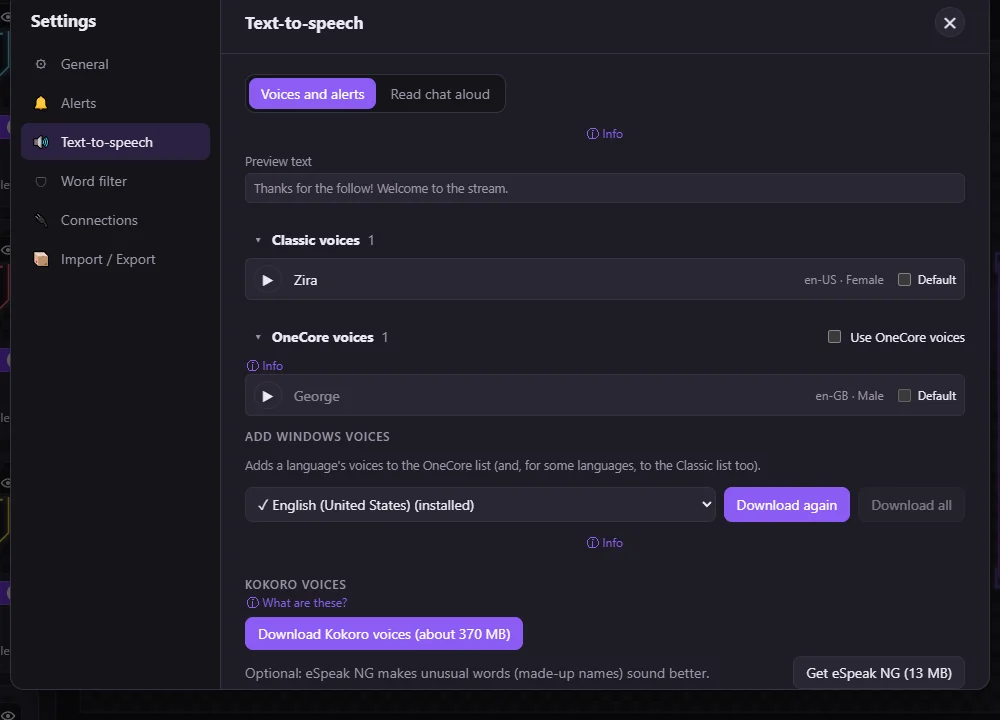
Read alerts and chat aloud with Windows voices, natural Kokoro voices, or Piper in 40+ languages, all on your PC. Add a talking mascot that moves its mouth while it speaks.
One button adds Jlerts to OBS, Streamlabs Desktop or XSplit, vertical canvases included. Anything else that takes a browser source works with one link.
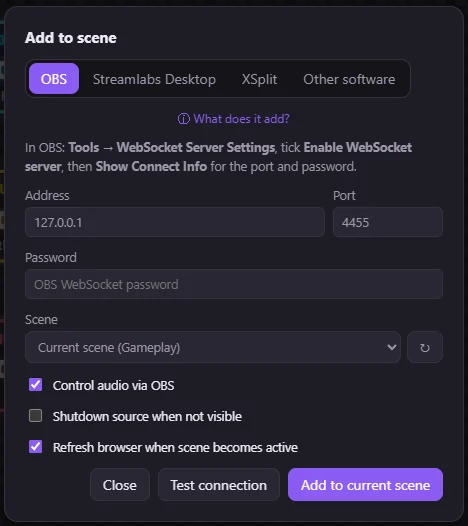
Everything lives on your PC: no account, nothing to break when a website goes down. Export what you make, share it, or sell it.
Cloud alert services are handy, but your stream then depends on their website. Jlerts keeps the whole thing with you.
| Cloud alert services | Jlerts | |
|---|---|---|
| Account needed | Usually | No |
| Keeps working if a website goes down | No | Yes, it runs on your PC |
| Where your alerts live | Their servers | Your PC |
| Design every layer yourself | Limited | Yes |
| Your own HTML / CSS / JS widgets | Some | Yes |
| Price | Free with paid extras | Free, every feature |
http://127.0.0.1:7474/overlay